Install from Visual Studio Marketplace
To install Portfolio++ in an Azure DevOps organization:
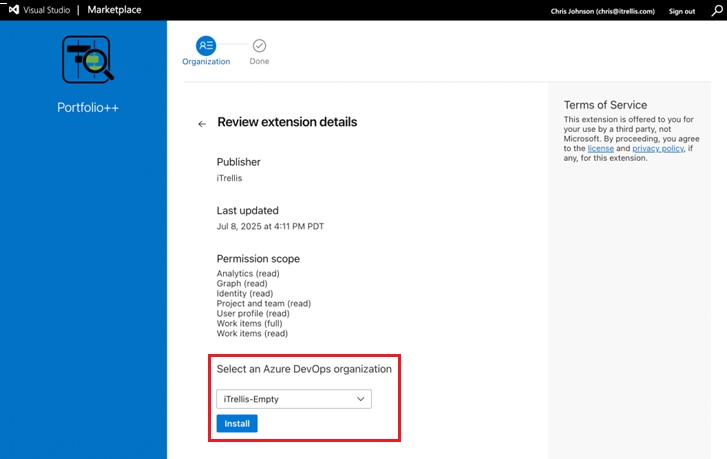
- Go to the Portfolio++ - Visual Studio Marketplace.
- Click Get it free
- In the drop-down list, choose the Organization that you want to install the Portfolio++ extension.
- Click Install
After installation completes, return to your Azure DevOps organization.
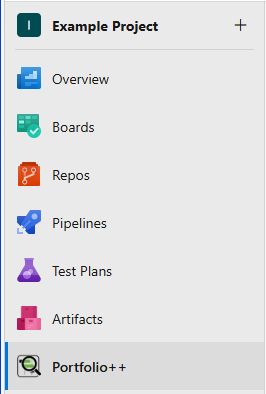
You will now see Portfolio++ in the left navigation bar.
note
Users with the Basic access level (or higher) can use Portfolio++.
Users with Stakeholder access cannot use Portfolio++ due to Azure DevOps API limitations.