Manage Pro Subscription
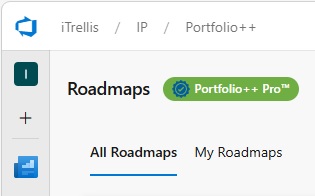
The Portfolio++ subscription badge provides a quick way to view and manage your Pro subscription.
If you have an active subscription or trial, click the green badge in the top right to see your subscription details.
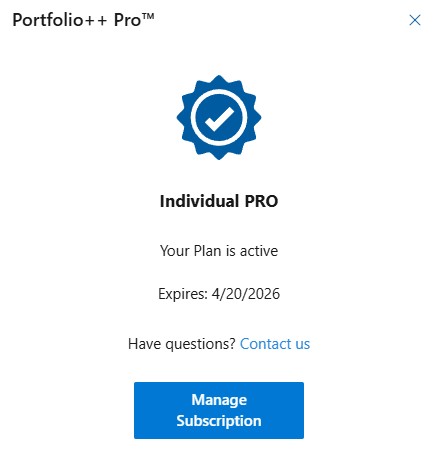
The popup displays:
- License type: individual or organization.
- Expiration date: when your plan will renew or expire.
- Manage Subscription: visible only to the subscription owner.
Click to open the Azure Marketplace or Stripe page to manage billing or cancel your subscription.